
The Best Budget AI Laptops Under $1,000: Real Copilot+ Performance on a Budget

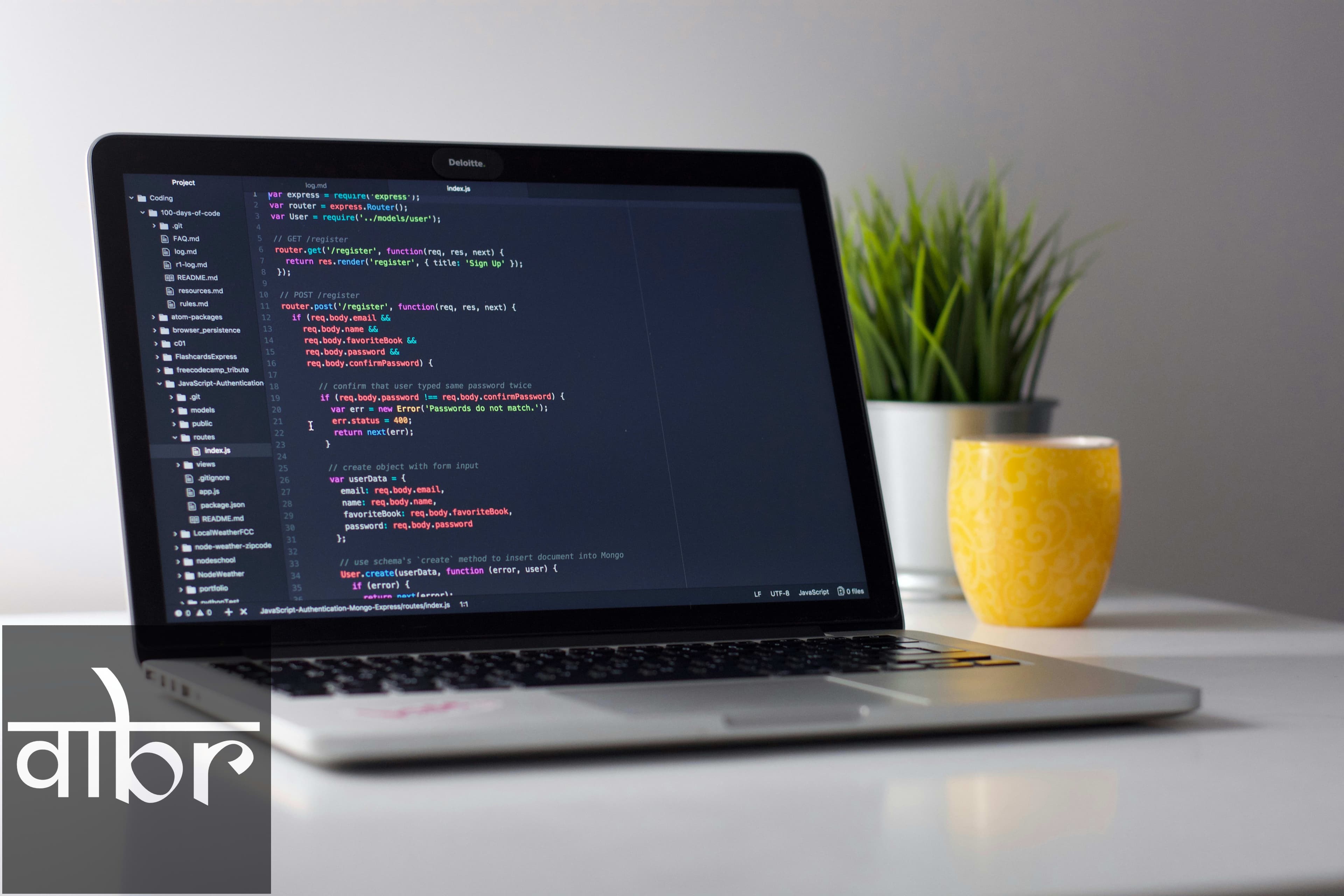
For years, acquiring cutting-edge laptop technology meant spending well over $1,500. That dynamic changed with the arrival of dedicated Neural Processing Units (NPUs) built specifically to handle artificial intelligence workloads locally. You no longer need to pay a premium to experience real-time AI assistance, local language model execution, and multi-day battery endurance.
Today, sub-$1,000 laptops come equipped with Copilot+ certification, packing NPUs rated at 40 TOPS (Trillions of Operations Per Second) or higher. This means your device can process live audio captions, generate image drafts, apply studio video effects, and index local documents instantly without draining your battery or sending private data to the cloud.
What Makes a True Budget AI Laptop in 2026?
Before picking a model, it helps to know what separates a genuine AI laptop from a marketing buzzword. Microsoft's Copilot+ ecosystem requires an NPU reaching at least 40 TOPS. Older processors feature lower-tier NPUs that rely almost entirely on cloud servers for complex AI tasks.
When shopping under the $1,000 threshold, ensure your choice includes:
- NPU Performance: 40+ TOPS for full local AI features like Windows Recall, Cocreator, and Live Captions.
- System Memory: A minimum of 16 GB of unified or LPDDR5X RAM to support background AI models alongside everyday apps.
- Power Efficiency: Processors like the Qualcomm Snapdragon X series or Intel Lunar Lake (Core Ultra Series 2) that easily offer 12 to 20+ hours of real-world battery life.
- Display Quality: Vibrant 1080p or 2.5K IPS/OLED displays with modern 16:10 aspect ratios.
The Best Budget AI Laptops Under $1,000
Here are the top-performing AI laptops available under $1,000 that deliver top-tier NPU power without forcing major compromises on build quality or display experience.
1. Lenovo IdeaPad Slim 5x (Snapdragon X Plus)
The Lenovo IdeaPad Slim 5x stands out as one of the best overall values for productivity users and students. Powered by the Qualcomm Snapdragon X Plus platform, its Hexagon NPU delivers up to 45 TOPS of local AI performance. It handles heavy multitasking effortlessly while staying cool and completely quiet.
- NPU: Qualcomm Hexagon (45 TOPS)
- Display: 14-inch OLED (1920x1200)
- Key Advantage: Field-leading battery life and a vibrant OLED panel at a starting price under $899.
2. Acer Swift Go 14 AI
If you prefer standard x86 architecture for full legacy app compatibility alongside next-gen AI features, the Acer Swift Go 14 AI is a standout contender. Equipped with Intel Core Ultra Series 2 (Lunar Lake) processors, it pairs a 40+ TOPS NPU with strong integrated Intel Arc graphics.
- NPU: Intel AI Boost (40+ TOPS)
- Display: 14-inch WUXGA IPS / OLED options
- Key Advantage: Ultra-portable lightweight design (1.25 kg) and smooth integration with legacy Windows software.
3. ASUS Vivobook 14 (AMD Ryzen AI 7)
AMD's XDNA 2 architecture brings extreme processing capability to budget price points. The ASUS Vivobook 14 features the AMD Ryzen AI 7 350 chip, delivering up to 50 TOPS of NPU output—the highest in this price tier. This makes it a great pick for users who run local developer scripts or quantized LLM models directly on device.
- NPU: AMD XDNA 2 (50 TOPS)
- Display: 14-inch WUXGA 16:10
- Key Advantage: Unmatched raw NPU throughput under $1,000.
Budget AI Laptop Comparison
Model | Processor Platform | NPU Rating | RAM / Storage Base | Standout Feature |
|---|---|---|---|---|
Lenovo IdeaPad Slim 5x | Qualcomm Snapdragon X Plus | 45 TOPS | 16 GB / 512 GB SSD | All-day battery & OLED display |
Acer Swift Go 14 AI | Intel Core Ultra 5 (Lunar Lake) | 48 TOPS | 16 GB / 512 GB SSD | Lightweight x86 versatility |
ASUS Vivobook 14 | AMD Ryzen AI 7 350 | 50 TOPS | 16 GB / 1 TB SSD | Highest raw NPU TOPS score |
HP Pavilion Plus 14 AI | Intel Core Ultra 5 | 40 TOPS | 16 GB / 512 GB SSD | Most aggressive entry pricing |
How On-Device AI Improves Daily Productivity
Having an NPU built into your laptop isn't just about futuristic novelty—it actively changes how you handle daily computer tasks.
- Instant Search via Windows Recall: Search for anything you've seen on your screen using conversational language without reliance on web indexes.
- Real-Time Translation: Live Captions translate video streams or meetings into English from over 40 languages in real time.
- Low-Power Video Enhancements: Windows Studio Effects adjust eye contact, apply background blur, and cancel noise without firing up high-wattage GPU cores.
- Local Content Generation: Tools like Cocreator allow you to render high-resolution visuals alongside ink sketches locally without cloud latency or subscription paywalls.
Frequently Asked Questions
Do I need an AI laptop with 40+ TOPS?
If you want full native support for Windows Copilot+ features and future-proof local AI utilities, 40 TOPS is the minimum requirement set by Microsoft. Older NPUs below 40 TOPS can run light background tasks, but they cannot execute Copilot+ features on-device.
Is 16 GB RAM enough for local AI workloads?
Yes, 16 GB of system RAM is sufficient for standard Copilot+ features and small quantized local models. However, if you plan to compile code while running heavy 13B-parameter local models simultaneously, consider configuring 32 GB.
Will Snapdragon ARM laptops run all my Windows software?
Windows on ARM has improved drastically thanks to Prism emulation. Productivity apps, web browsers, and creative suites like Adobe run natively or seamlessly. However, if you rely heavily on specialized kernel-level software or legacy anti-cheat games, x86 chips like Intel Lunar Lake or AMD Ryzen AI remain the safer choice.
Final Recommendations
Buying a laptop under $1,000 no longer requires settling for loud fans, short battery runtime, or outdated silicon. For maximum battery endurance and media consumption, the Lenovo IdeaPad Slim 5x leads the pack. If you require traditional Windows app compatibility paired with top NPU speeds, choose the Acer Swift Go 14 AI or the ASUS Vivobook 14.
Varta Brief Editorial Desk
• Newsroom StaffDedicated to objective, deep, and fact-verified reporting across technology, science, world affairs, and modern markets.
Follow Varta Brief on Google
Add Varta Brief as a preferred source to see our verified stories and daily briefings in Google Top Stories and Discover.
Found this briefing insightful?
Share it with your colleagues and community.
